Web app · 2026
Squish
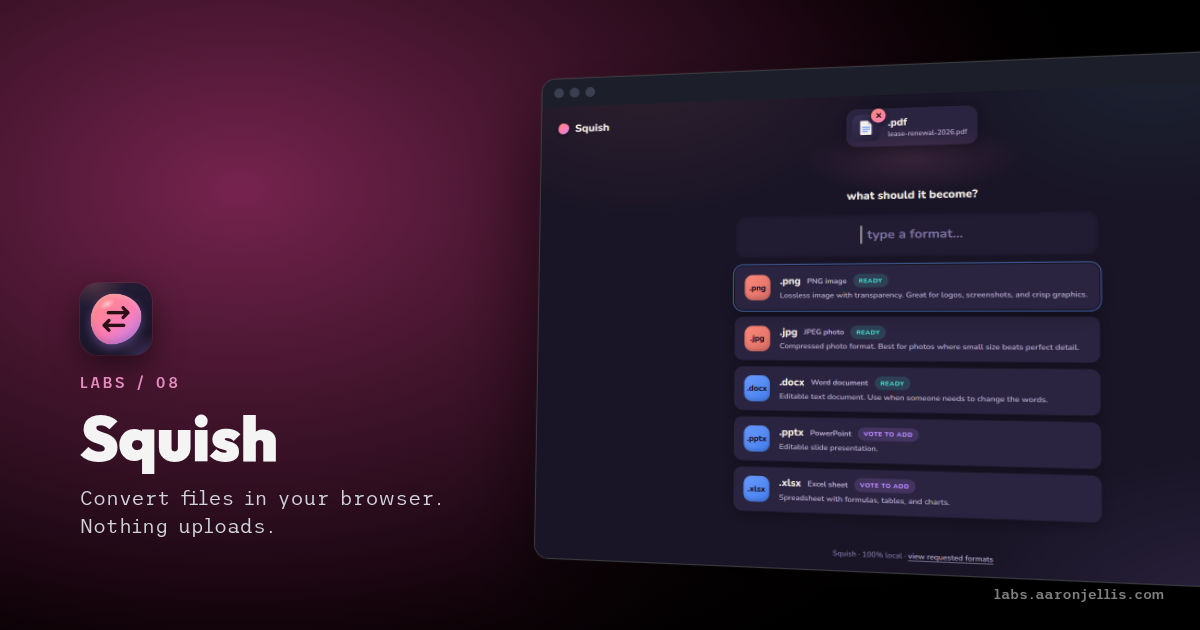
Changing a file from one format to another usually means uploading it to a site you've never heard of and hoping it doesn't keep a copy. Fine for a meme, less fine for a lease. So I built Squish: drop a file in, pick what it should become, and get it back without it ever leaving your computer.
- Drop a file in. It shows what it can become.
- A phone video turning into a GIF, right in the tab.
- SVG to a CAD drawing, with curves kept as real curves.
A PDF becomes images or an editable document. A phone video becomes a GIF, the short looping kind. A plain-text note becomes a PDF, and a song changes format. I have a real affinity for browser-based solutions, as they can generally do most things a desktop app can, and Squish does all of its work inside the browser tab.
The video and audio engine is the heavy part, 31 MB, so Squish fetches it only the first time you need it. It also knows its limits. A scanned PDF has no real text to pull out, and reading words from pictures would mean sending the file away, so Squish says so up front.
One converter has no library behind it: SVG to DXF. SVG is how most logos and line drawings travel on the web. DXF is the file that drafting programs and laser cutters expect. Squish writes that file itself and keeps curves as true curves instead of chopping them into short straight lines.
Still rough: the PDFs it writes use the plain built-in fonts, so emoji and non-Latin scripts come out as question marks.