Web app · 2026
Hard Copy
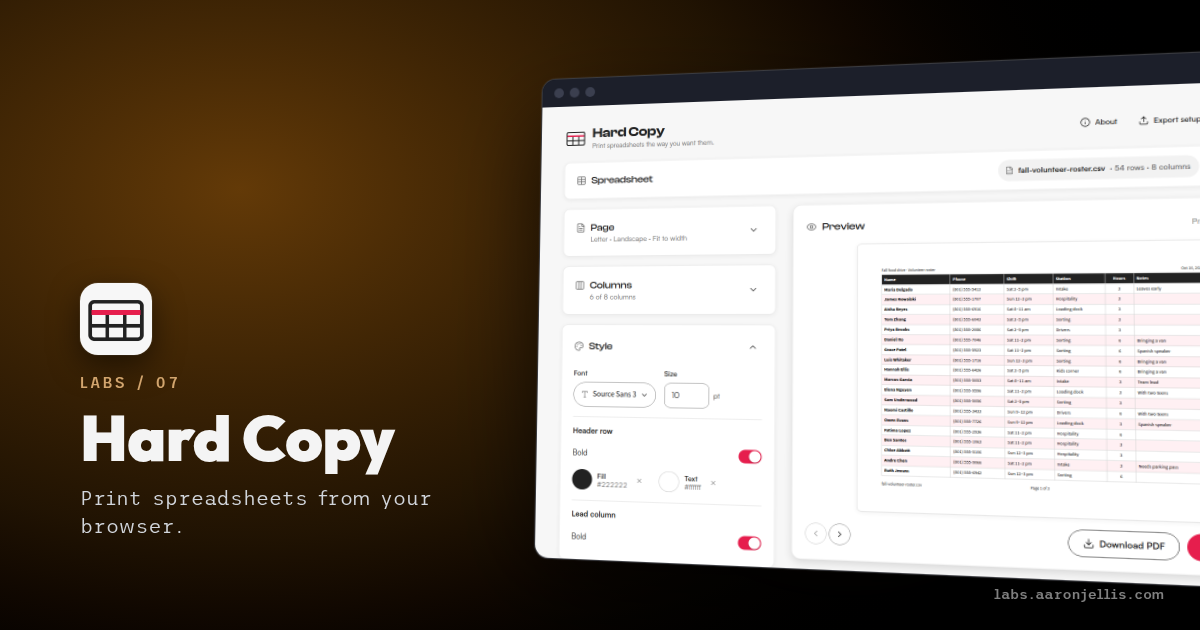
Printing a spreadsheet is a coin flip, whatever you print it from. Columns fall off the right edge, page two shows up with no header row, and the preview promises one thing while the printer does another. So I built Hard Copy: drop in a spreadsheet, set up the pages, and print exactly what you saw.
- Every page as it will print, headers and footers included.
- Page two repeats the header row. Nobody counts columns.
- Pick the columns, size them, and label every page.
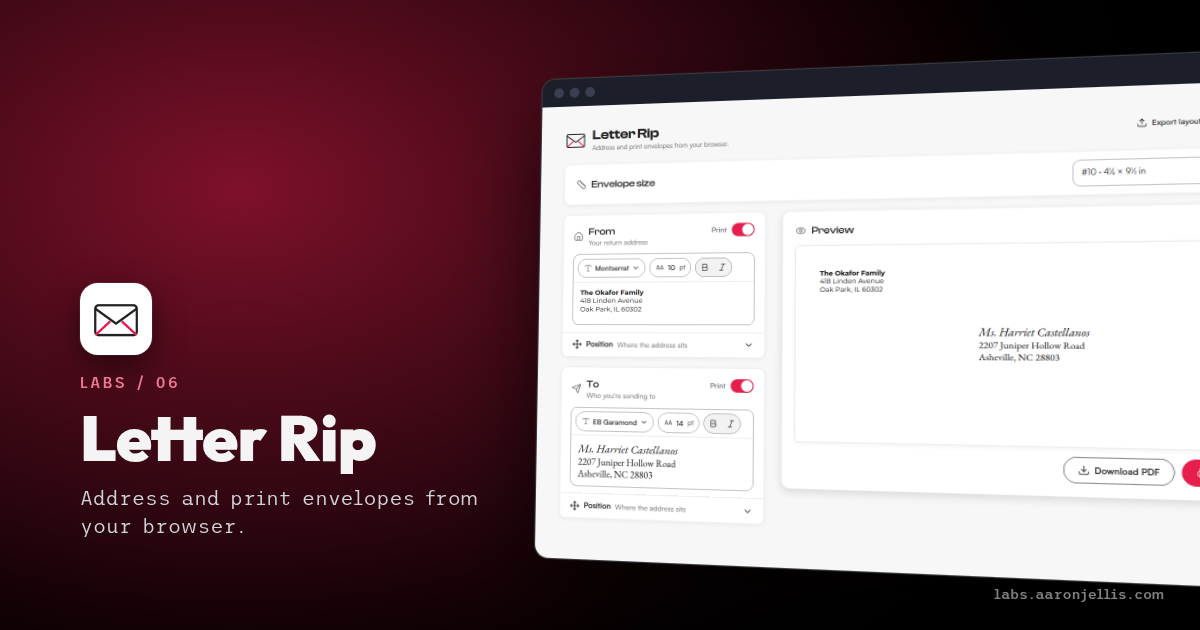
It's the sibling of Letter Rip, built for the same kind of locked-down laptop. Paste cells or open a CSV, TSV, or Excel file. Everything runs in the browser, nothing is uploaded, and the sheet is gone when you close the tab. Only your setup sticks around.
The preview isn't a sketch of a table. Hard Copy builds the real PDF and draws each page from it, so what you step through is what the printer gets. Turn on the repeated header row and every page starts with the column names. Fit to width shrinks a wide sheet to one page across and stretches a narrow one to fill it. When a sheet runs more than a page wide, a styled first column repeats too, so the far-right pages still have names.
Each column gets a checkbox, a drag handle, a width, an alignment, and a wrap switch. Headers and footers get three slots each: title, file name, date, page N of M.
Phones are the rough edge. They show no print dialog for a PDF, so Hard Copy draws the pages as images for the print screen, and long sheets go through the share menu.